
On the hunt for a little spice in our lives, the Pilafs plus friends went searching for some good Cajun food. We landed at Chester’s Cajun Grill in Cheektowaga and were glad we did!

Chester’s has both a bar and dining area, and the staff is excellent. Our table gives Alicia a Home Run – she was working her tail off and she was pleasant and incredibly efficient! Thnx Alicia!
The two-page menu is loaded with southern cooking options and includes several sides to accompany the pork, chicken or Chester’s Chorken’ specialty platter.
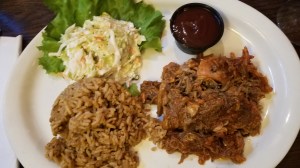
The kitchen was very helpful to Dra who needs gluten-free and she was glad to see so many items to choose from on the menu. They will also work with you if you spot something not marked gf – very accommodating!
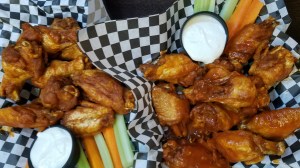
The wings were very good and the request for the saucy hot was fulfilled. Don’t be afraid to try the Habanero Suicide if you like an added kick to your wings.
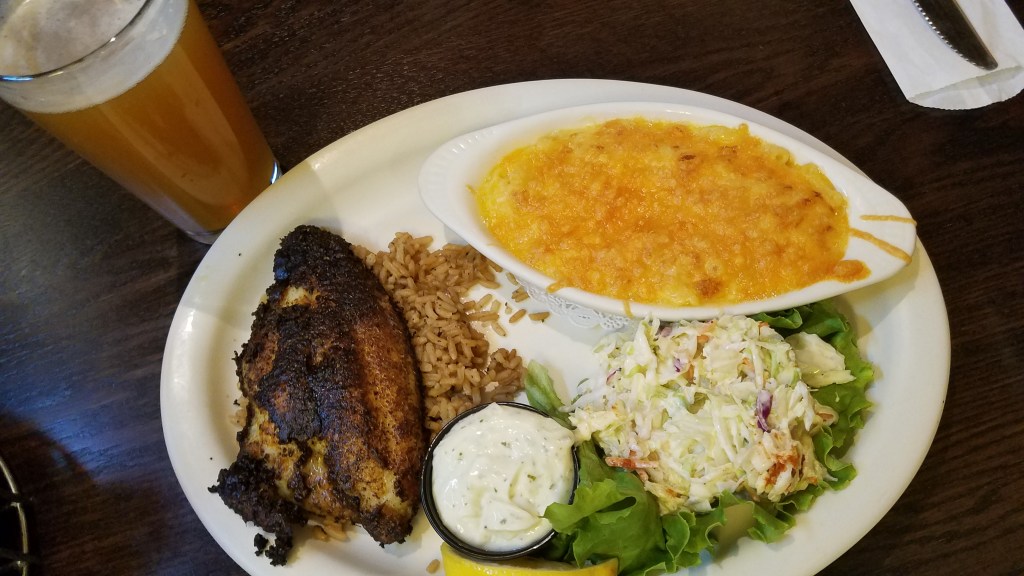
JT enjoyed the Blackened Catfish and gave it a Home Run. He says it was excellent and would highly recommend it to friends! He gave his sides a “thumbs-up” as well.
Along with two full pages of menu items, they also have specialty drinks, a kids menu, and several desserts.
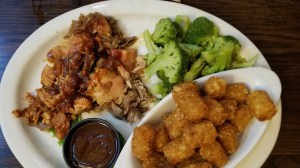
They are open every day for lunch and dinner, except Sundays, so you should have no problem finding a time to visit. Enjoy! Support local!
Chester’s Canjun Grill, 301 Cleveland Drive, Cheektowaga, NY 14215 www.chesterscajungrill.com 716.259.9461
 Circling the Bases
excellent
JT
________________________________
LikeLike
Show ads in the columns
1. Sign in to Blogger. 2. In the top left, choose the blog where you want to show ads. 3. From the menu on the left, click Layout. 4. Under “Sidebar,” click Add a Gadget. 5. Next to Adsense, click Add . 6. Configure AdSense and click Save. 7. To save the arrangement, in the bottom right, click Save .
Advertise on your blog – Blogger Help – Google Support
Sign up for AdSense
Important: Make sure you complete all the steps before you click Redirect.
1. Sign in to Blogger. 2. In the top left, select a blog. 3. From the menu on the left, click Earnings [and then] Create AdSense account. * If your blog isn’t currently eligible, learn how to qualify for AdSense. 4. Select the Google email associated with your Blogger account. 5. Fill out AdSense form and click Create account. 6. Enter your payment details and verify your phone number. 7. Click Submit. * The system should automatically take you to Blogger to complete the process. If it doesn’t, click Redirect.
Tip: If you’re interrupted before you complete the steps, complete steps 1-5 again. If your AdSense homepage says “We’re working on setting you up” for more than a few days, click Accept association.
JT
________________________________
LikeLike